
Executive Summary
The shift to remote legal proceedings created immediate friction for Reid and Riege, P.C. due to a lack of standardization across court systems. While the firm relied on Zoom internally, state courts predominantly used Microsoft Teams, and other jurisdictions required WebEx or GoToMeeting. Navigating these disjointed platforms compromised workflow efficiency and disrupted daily firm operations.
-
Platform-agnostic setup to connect seamlessly to Teams, Zoom, WebEx, and GoToMeeting
-
Simplified the connection process fore remote hearings
-
Standardization meant attorneys could focus on client representation rather than troubleshooting
The Challenge
Reid and Riege, P.C. had been providing legal services in Connecticut for more than 70 years. When the COVID-19 pandemic started, even the court system had to go remote. Unfortunately, there was no uniformity when it came to video conferencing platforms between local, state and federal courts. Some courts were on MS Teams, while others were on Zoom, WebEx or GoToMeeting. Reid and Riege used Zoom for inner-office meetings, but they primarily worked with state courts that were using MS Teams. Because of this, the firm’s staff found it challenging to get work done in as productive a manner as they were accustomed.
As the firm sought to return to the workplace, the courts stayed remote on various platforms. Reid and Riege leaders wondered how they would be able to come back to the office and face the new technology challenges that the pandemic presented. They were eager to have team members together in one space attending video conferences as a group.
A top priority at Reid and Riege is to work as a team internally and with clients to provide high quality professional services and legal solutions. Without the proper video conferencing solutions, they could not work toward their goal. The firm reached out to Universal Connectivity for comprehensive video conferencing solutions for attorneys.
The Universal Connectivity Approach
As a trusted provider of all communication solutions in Hartford for more than two decades, Universal Connectivity welcomed the opportunity to help the local firm solve its video conferencing challenges. The Universal Connectivity team followed a few simple steps to provide solutions for the firm:
- Scope out the space: The team visited the site to scope out rooms at the office. They noted the number of spaces, their square footage and the number of people who would be working in each space at any given time.
- Make a plan: The Universal Connectivity team regrouped back at their office to decide the best solution and size for video bars, cameras and microphones that would go in the conference rooms.
- Demo the solution: They booked a time to set up a demo unit in the firm’s office and did a full demo with the Reid and Riege IT team. The firm’s IT team tested out the product by joining Teams, Zoom and WebEx calls, one right after the other, just as they might be required to do on any given day. This test drive demonstrated the best way to use the products and their ease of use.
- Install: After approval from the firm, Universal Connectivity installed the video conferencing solutions at the most convenient time for the client.
Universal Connectivity initially installed three video conference rooms in the firm’s Hartford office. To accommodate the varying room sizes, they took a hybrid approach. They used the firm’s existing TVs and provided the rest of the equipment. Screens were wall-mounted, taking into consideration the natural eye level of the average team member.
The firm’s largest existing space was an executive board room with a Poly speaker phone to dial into conference calls. The room fits up to 16 people. Universal Connectivity built a Zoom Room using the Poly Studio X 50 all-in-one video bar with a 75-inch TV above it. The aesthetic of the firm’s office was maintained by using minimalist hardware; the Poly unit looks like any other sound bar. A tablet on the table in the center of the room connects to the internet and controls the meetings with the simple tap of a button. It can be used with any video conferencing platform, even though it runs from Zoom.
“Your quick response and solution gave us the ability to do a test beforehand. All involved were very happy and it was great to be able to confidently use our new technology live with our clients. We really appreciate your support.”
Julie Traczyk, Reid and Riege, P.C. IT Manager
The other conference rooms, which are sized for three to five people, required a different system. Universal Connectivity calls them “bring your own PC” conference rooms. They installed a camera on top of the 50-inch TV with cables running to a hub under the table in the room. The hub connects the camera, HDMI and speaker phone through a single USB cable that can be inserted into a computer, with the TV acting as a second monitor. They used the Konftel 2055 Conference Kit which includes the hub, speakerphone and camera. The product is much easier to use with the hub, which provides a cleaner experience that looks more professional. The system works with both PCs and Macs.
Once a user opens the invite in an email, it automatically picks up all the equipment in the given conference room. This allowed Universal Connectivity to maintain the sophistication of the traditional conference room experience with all the dedicated hardware, but gave the firm the ease of use of running it off of laptops.
The Results
The conference rooms in the office were a blank slate. The firm was pleased as they learned about the upgraded experience new technology could provide their clients. The new Zoom rooms’ software is agnostic to video conferencing platforms, so the firm had confidence they could easily join any virtual meeting, regardless of what platform the invite came from.
Their IT team was grateful for how user friendly the solutions were. Attorneys are well-versed in their field, but that should not require overly extensive knowledge of technology.
A few weeks after installation, some of the attorneys experienced a new challenge that also stumped their internal IT team. They were hit with a Cisco WebEx integrated Microsoft Teams meeting and didn’t know how to connect on the Poly. They contacted the Universal Connectivity team before the meeting and figured out the solution. After a quick change in editing the invite that was sent, everything worked. Universal Connectivity’s fast thinking helped the internal IT team and prevented any complications that could have arisen during the scheduled meeting.
About Universal Connectivity
Universal Connectivity® is a full-stack telecom and IT managed services provider based in West Hartford, Connecticut. The company partners with businesses to deliver managed IT support, secure connectivity for local and distributed teams, server and security management, onboarding and offboarding, and business voice services. Universal Connectivity® is built on a simple promise: aligned incentives, consistent and knowledgeable points of contact, and service that lets clients stop worrying about their technology so they can focus on their business. Your Link To Your World®.


Assess Your Cybersecurity in Just 5 Minutes
Unresolved cybersecurity gaps can disrupt operations, cause financial loss, or damage your reputation. Our Cybersecurity Control Checklist provides a quick snapshot of your cybersecurity posture. Review it with your team to evaluate Access Control, Human Risk, and Financial Risk highlighting strengths and identifying gaps. Your score reflects your organization's cybersecurity health and aligns with cyber insurance benchmarks. Use it to assess risk and prioritize critical improvements. Build a robust posture. Protect your business—start now.
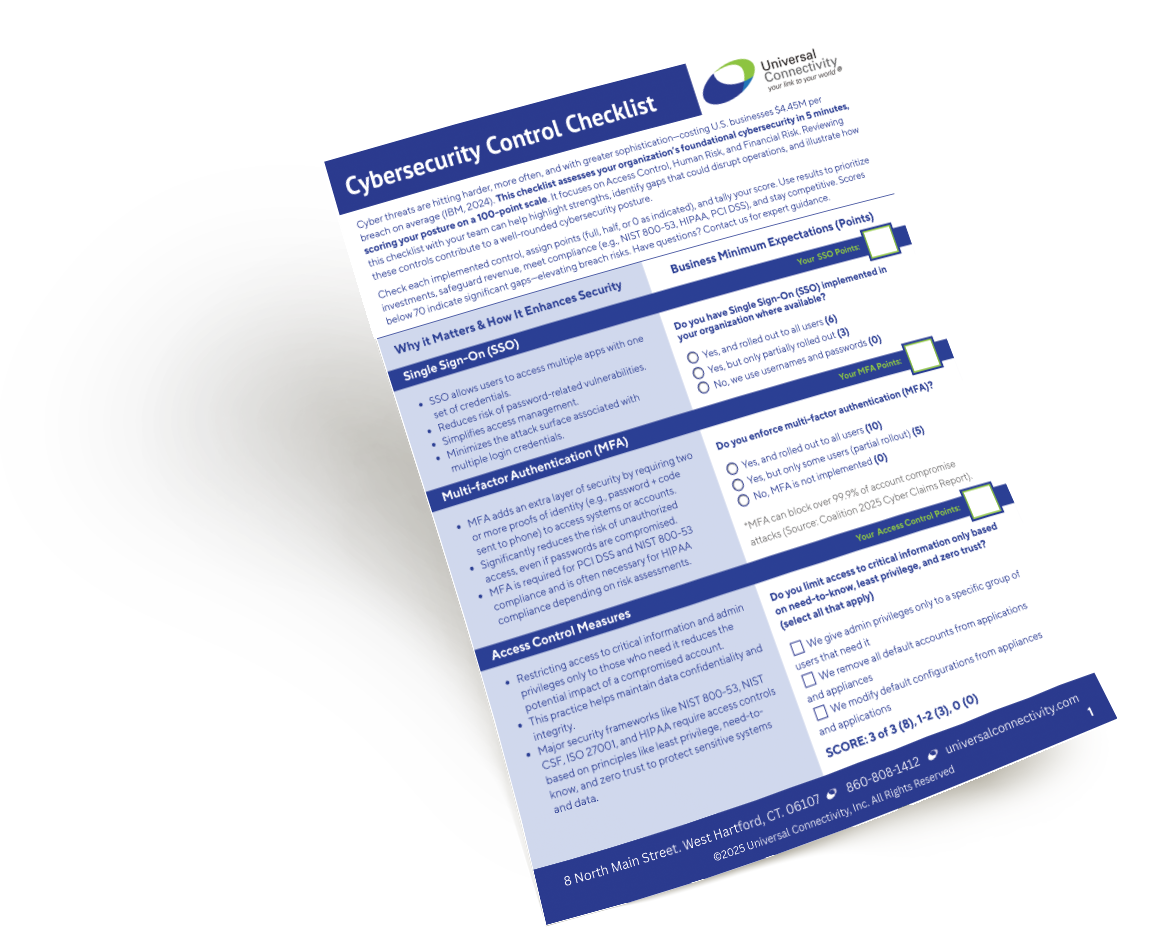
Download your free checklist
-

99.9% uptime guarantee (backed by strong SLA’s)
-

24/7 Expert IT support (US-based)

-
SOC 2 Type 2 Verified
Technology Should Be an Asset, Not an Obstacle
We understand the full spectrum of telecommunications, delivering end-to-end solutions that eliminate the need to juggle multiple vendors. Partner with our expert consultants to streamline your business communications, transforming complex challenges into strategic advantages.
Universal Connectivity’s Core IT and Business Communication
The Better Connected Plan
-
We listen to your needs.
-
We design custom solutions.
-
We implement and manage your plan so you’re better connected.